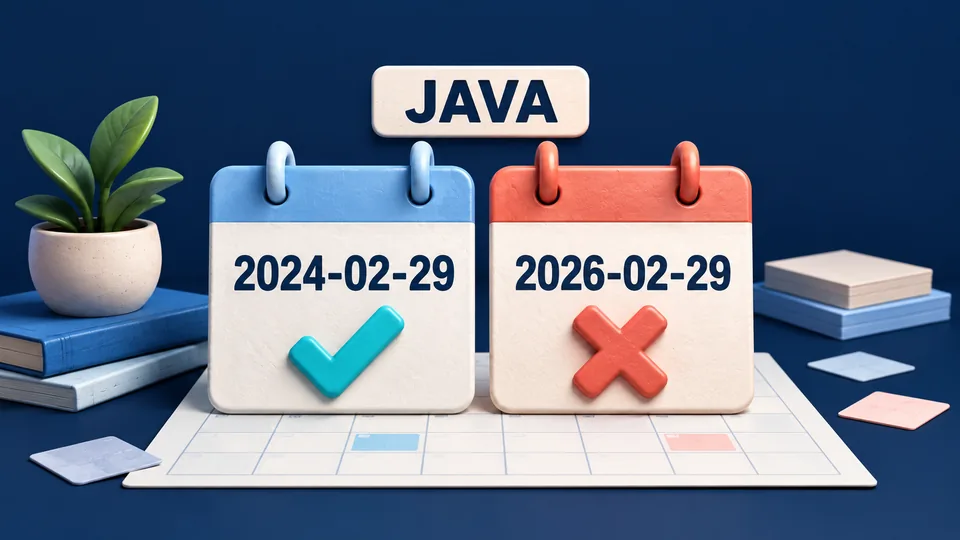
A string can have the shape of a date and still name a day that does not exist. For example, 2026-02-29 contains a four-digit year, two-digit month and two-digit day, but 2026 is not a leap year. A reliable input check needs both a format rule and calendar validation.
This Java example accepts exactly YYYY-MM-DD using ASCII digits, with a year from 0001 through 9999. It prints a valid date's weekday and day-of-year, or a controlled error with a nonzero exit status. The complete downloadable ZIP includes the source, parser checks, README and expected output.
Set up the example
Use JDK 17 or later, with both java and javac available in your terminal. No Maven, Gradle or external libraries are needed. The recorded checks ran on Microsoft OpenJDK 17.0.11 on Windows; other JDK versions and platforms were not separately tested. This is the environment used for the example, not a recommendation that an older patch release is the latest available.
java -version
javac -version
Extract the ZIP and open a terminal inside java-strict-dates. If java works but javac does not, check that the terminal points to a JDK installation with the compiler. Keep this small project in its own directory so its generated out folder is easy to identify.
Save the complete source as DateCheck.java
import java.time.DateTimeException;
import java.time.LocalDate;
import java.time.format.DateTimeFormatter;
import java.time.format.ResolverStyle;
import java.util.Locale;

public final class DateCheck {
    private static final DateTimeFormatter FORMAT =
        DateTimeFormatter.ofPattern("uuuu-MM-dd", Locale.ROOT)
            .withResolverStyle(ResolverStyle.STRICT);

    public static LocalDate parse(String input) {
        if (input == null || !input.matches("[0-9]{4}-[0-9]{2}-[0-9]{2}")) {
            throw new IllegalArgumentException("Use exactly YYYY-MM-DD with ASCII digits.");
        }
        LocalDate date = LocalDate.parse(input, FORMAT);
        if (date.getYear() < 1) {
            throw new IllegalArgumentException("Use a year from 0001 through 9999.");
        }
        return date;
    }

    public static int run(String[] args) {
        if (args.length != 1) {
            System.err.println("Usage: java DateCheck YYYY-MM-DD");
            return 2;
        }
        try {
            LocalDate date = parse(args[0]);
            System.out.println("Date: " + date);
            System.out.println("Day of week: " + date.getDayOfWeek());
            System.out.println("Day of year: " + date.getDayOfYear());
            return 0;
        } catch (DateTimeException | IllegalArgumentException error) {
            System.err.println("Invalid date. Use a real date as YYYY-MM-DD, year 0001-9999.");
            return 2;
        }
    }

    public static void main(String[] args) {
        System.exit(run(args));
    }
}
The parse method separates the input contract from the CLI. It checks the exact character shape, parses a LocalDate and applies the allowed year range. The run method handles argument count, user-facing output and exit status. The main method passes that result to System.exit.
Compile and run a valid leap-day date
javac -encoding UTF-8 -d out DateCheck.java DateCheckTest.java
java -cp out DateCheck 2024-02-29
The expected standard output is:
Date: 2024-02-29
Day of week: THURSDAY
Day of year: 60
The program exits with status 0. The explicit UTF-8 compiler option also lets the test source contain a non-ASCII digit case without relying on the terminal's default source encoding. Compilation writes class files under out; it does not need a server or network connection.
Reject a date that only looks valid
java -cp out DateCheck 2026-02-29This prints the following to standard error and exits with status 2:
Invalid date. Use a real date as YYYY-MM-DD, year 0001-9999.The regular expression accepts that string's shape, so this case exercises the calendar parser. Missing or extra arguments instead produce the usage message and status 2. In a calling script, check the process status instead of assuming that any printed text represents a successful result.
Why strict resolution matters
The ResolverStyle documentation distinguishes strict, smart and lenient resolution. Strict resolution rejects a day that is invalid for its year and month. Smart resolution can adjust some out-of-range days to a month's final day, while lenient resolution can carry values across field boundaries. For a validation endpoint that must preserve the user's intended date, silently adjusting an invalid input would hide a mistake.
This example chooses STRICT explicitly. It also keeps the lexical check because calendar parsing and this application's accepted spelling are different concerns. One test should be able to tell you that a date is impossible; another should tell you that the input used an unsupported format.
Use the intended pattern letters
The DateTimeFormatter reference identifies u as year and y as year-of-era. The source uses uuuu-MM-dd for strict LocalDate parsing. The uppercase YYYY-MM-DD in messages is a human-readable input label, not the Java formatter pattern. Copy the pattern from the source rather than converting that label into a formatter.
Whitespace is rejected rather than trimmed. Slashes, shortened month fields, full-width digits and a trailing time are also rejected by the stated contract. If a real form should accept a different spelling, make that an explicit decision and update its tests alongside the parser.
Run the supplied checks
java -cp out DateCheckTestThe test runner prints Passed 19 parser checks. It uses explicit failures, so enabling Java assertions with -ea is not required. Cases include 2024 and 2000 leap days, the non-leap century 1900, invalid month/day, minimum/maximum allowed years, year zero, padding, separators, timestamps, null, empty input and non-ASCII digits.
All nineteen parser checks passed. Four additional process checks verified exact success output and exit status, invalid-date stderr/status, missing arguments and extra arguments. The delivered ZIP was extracted, compiled and checked independently; no test result is inferred merely from packaging files.
Keep calendar validation separate from business rules
The LocalDate documentation describes an ISO calendar date without a time or time zone. It also supports a much wider year range, including year zero, than this example allows. Rejecting year zero here is an application contract, not a limitation of LocalDate.
A valid date may still be outside a booking window or unsuitable for a business record. Add those rules after parsing and test them with known boundary cases. If the input represents an instant, use a date-time model with the required offset or zone instead of treating this date-only value as a timestamp.
To adapt the exercise, change one rule at a time and predict which cases should change. Keep invalid leap days and the exact output checks: they expose accidental normalization and formatting changes that a happy-path example alone would miss.


Comments (0)
Join the discussion