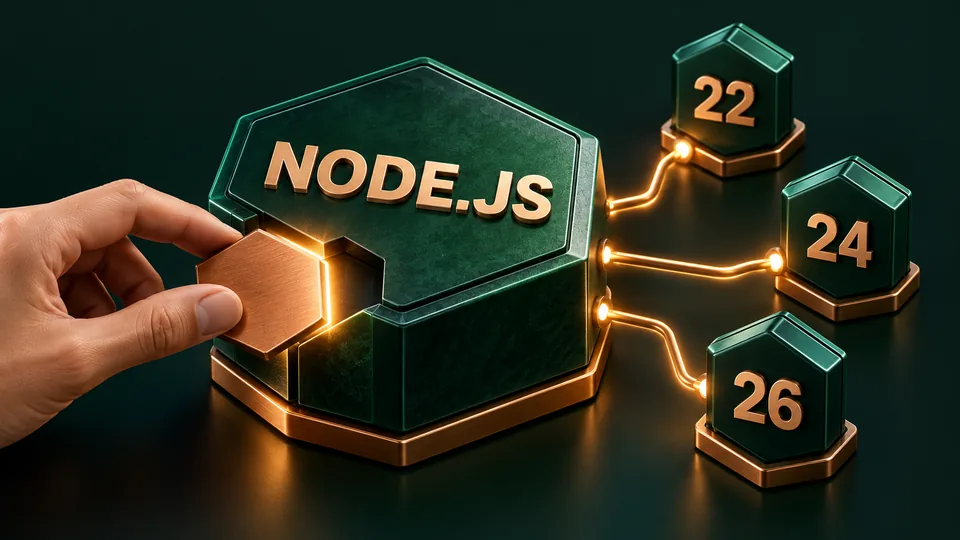
Node.js published security releases on 21 October 2026 for its 22.x, 24.x and 26.x lines. The patched releases are 22.23.4, 24.22.1 and 26.12.1 respectively. This report was checked on 22 October, after the release pages and updated advisory became available.
The official October security advisory lists high-severity issues alongside medium- and low-severity fixes. Among them, CVE-2026-111497 concerns a Brotli decoder memory-write flaw that can permit remote code execution and affects all three lines. The advisory also covers DNS input validation and certificate-hostname handling, with branch-specific differences. It warns that end-of-life versions remain affected. Read the individual entries for applicability rather than assuming every issue affects every branch identically.
Match the security release to your runtime line
The three release pages are dated 21 October. They identify 22 and 24 as LTS and 26 as Current at the time of this report. Use the relevant page to check the exact changes and available platform downloads.
- Node.js 22.x: 22.23.4 LTS release notes. The listed updates include DNS validation, TLS handling, Brotli, HTTP agent behavior, random-cache resets and a permission check. Dependency changes include OpenSSL and SQLite as well as c-ares and Undici.
- Node.js 24.x: 24.22.1 LTS release notes. Along with other security changes, this line lists the IP-normalization regression fix for CVE-2026-105483 and an OpenSSL update. This is a distinct release artifact from the 22.x build.
- Node.js 26.x: 26.12.1 Current release notes. Its changes also include ZIP-header validation and permission-related work. Do not infer that installing the 24.x release addresses an application that continues to launch a separate 26.x executable.
These are the versions in this security release, not a promise that they will remain the newest releases after this article's reporting date. Follow the project links when planning a later update.
Toolzify analysis: make the running application the unit of work
Our practical recommendation is to track an update from the executable an application uses through to the replacement workload and its verification. A patch record is easier to assess when it answers a concrete question: which application instance is now running which build? The following is editorial operational guidance, not a claim that Toolzify has upgraded or tested your systems.
1. Identify the actual runtime
Start with a small inventory: application name, owner, deployment method, Node.js line and executable or image reference. Include background workers and scheduled tasks where they are part of the same application. A developer's terminal result can be useful, but should not stand in for evidence from a differently configured service.
Keep the inventory specific enough for someone else to follow. Instead of writing only that Node was updated, record the target application and the build you expect it to start. This also makes it easier to identify a remaining instance that was missed during rollout.
2. Separate patching from a major-version migration
For an application already on a supported line, start by assessing the corresponding security release and your distribution's delivery mechanism. Treat a move to another major line as a separate compatibility decision. Combining both changes in one unexplained step makes a failure harder to diagnose and obscures what the security update actually changed.
If a managed platform or operating-system vendor supplies the runtime, check that supplier's package or image documentation as well. Record the evidence for the delivered fix; this article does not verify any downstream vendor's backports or rollout timing.
3. Test behavior that matters to the application
Choose representative checks before rollout: startup, a normal request, an expected error response and any worker path needed for the service. Where the application relies on network connections or compressed content, include its ordinary integration tests for those paths. Keep the expected behavior independent of whether an installer reports success.
This is a regression-check recommendation, not an exploit demonstration. Passing those checks would show the tested behavior still works; it would not prove that an application has no remaining vulnerabilities. Capture actual outputs and avoid marking unexecuted scenarios as passed.
4. Replace the workload and retain evidence
Use your deployment process to restart or replace the relevant workload after changing the runtime. Verify the resulting executable or image in that environment, then inspect the application's health and error reporting. Keep the before-and-after build references alongside the checks you ran and any exceptions that still need an owner.
A useful completion note can be short: application, runtime before, runtime after, deployment identifier, checks performed and observed result. That makes follow-up work possible without asking a future reviewer to reconstruct the update from unrelated shell history.
What this report establishes
The release versions, dates and selected change descriptions above come from the Node.js project's advisory and release pages. The rollout checklist is Toolzify analysis. No local or production Node.js runtime was upgraded for this article, no vulnerability was reproduced, and no application compatibility or exploitation-status claim is made. This news report has no runnable sample ZIP; the primary-source release links are the route to the project-provided artifacts.
Comments (0)
Join the discussion